
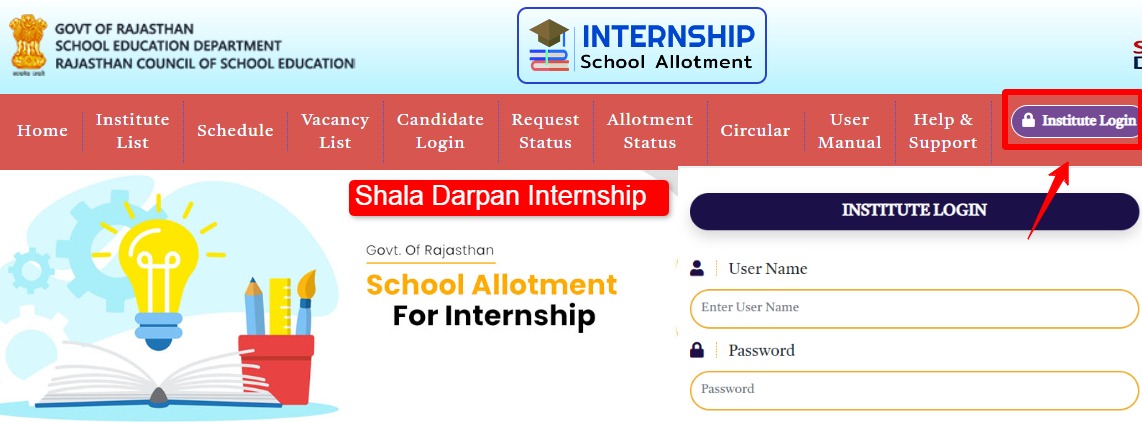
If you are a teacher trainee in Rajasthan, the Shala Darpan Internship portal is currently the most important website in your browser history. we have entered the “Final Allotment & Digital Attendance” phase. Whether you are struggling to download your allotment letter or wondering why your attendance isn’t showing up, this guide covers the absolute essentials.
1. Current Status: The “Last Chance” Window
The Department of School Education recently provided a final “Special Opportunity” window from March 27 to March 29, 2026, for students who missed earlier rounds.
-
For B.Ed. 1st Year & D.El.Ed. 1st Year: If you filled your choices during this window, your Allotment Status should now be visible.
-
Check Now: Log in to the Candidate Portal and click on the “Internship Request” tab. If you see a school name, print your letter immediately.
2. The “Digital-Only” Rule for 2026
The biggest change this year is the Mandatory Online Attendance.
-
The Rule: Manual attendance registers are no longer the final authority. Your school principal must mark your presence daily on the Shala Darpan School Login.
-
Why it Matters: Your Internship Completion Certificate will only be generated by the system once the required number of days (24 for 1st year, 96 for 2nd year) is logged digitally.
-
Pro-Tip: Check with your school’s IT in-charge every Friday to ensure your attendance for the week has been uploaded.
3. Joining Checklist: Don’t Arrive Empty-Handed
Once you have your allotment, you generally have 10 to 15 working days to report. You must carry the following documents to the allotted Government School:
-
Allotment Letter: Downloaded from Shala Darpan.
-
Relieving Letter: Issued by your parent Training College (Original).
-
Identity Proof: Aadhaar Card or Voter ID (Original + Photo).
-
Passport Photos: Two recent copies for the school records.
-
College ID Card: To verify your enrollment.
4. Troubleshooting Common 2026 Glitches
| Problem | Solution |
| “Username/Password Invalid” | Use the “Search User” tool. Enter your District, Course, and the first two letters of your name to recover your credentials. |
| “School Closed/Merged” | If your allotted school no longer exists due to recent administrative merges, you must visit the District Education Officer (DEO) office to get a manual re-allotment. |
| “No School Allotted” | This usually happens if your college hasn’t updated your profile or you chose only high-demand schools. Contact your college principal to ensure your data is “Locked” for the next round. |
5. What Happens After the Internship?
Once your duration is complete:
-
The school principal will click “Relieve” on their portal.
-
A Digitally Signed Certificate will appear in your Candidate Login.
-
Download and submit this to your college to be eligible for your final university practical exams in May/June 2026.
Are you facing a specific error like “OTP Not Received” or “Invalid Captcha”?
Clear your browser cache or try using “Incognito Mode”—the Shala Darpan server is currently handling high traffic from result-checking, so it might be a bit slow!